

8 min read
The 3-2-1 Backup Rule, or: Hope Is Not a Server Backup
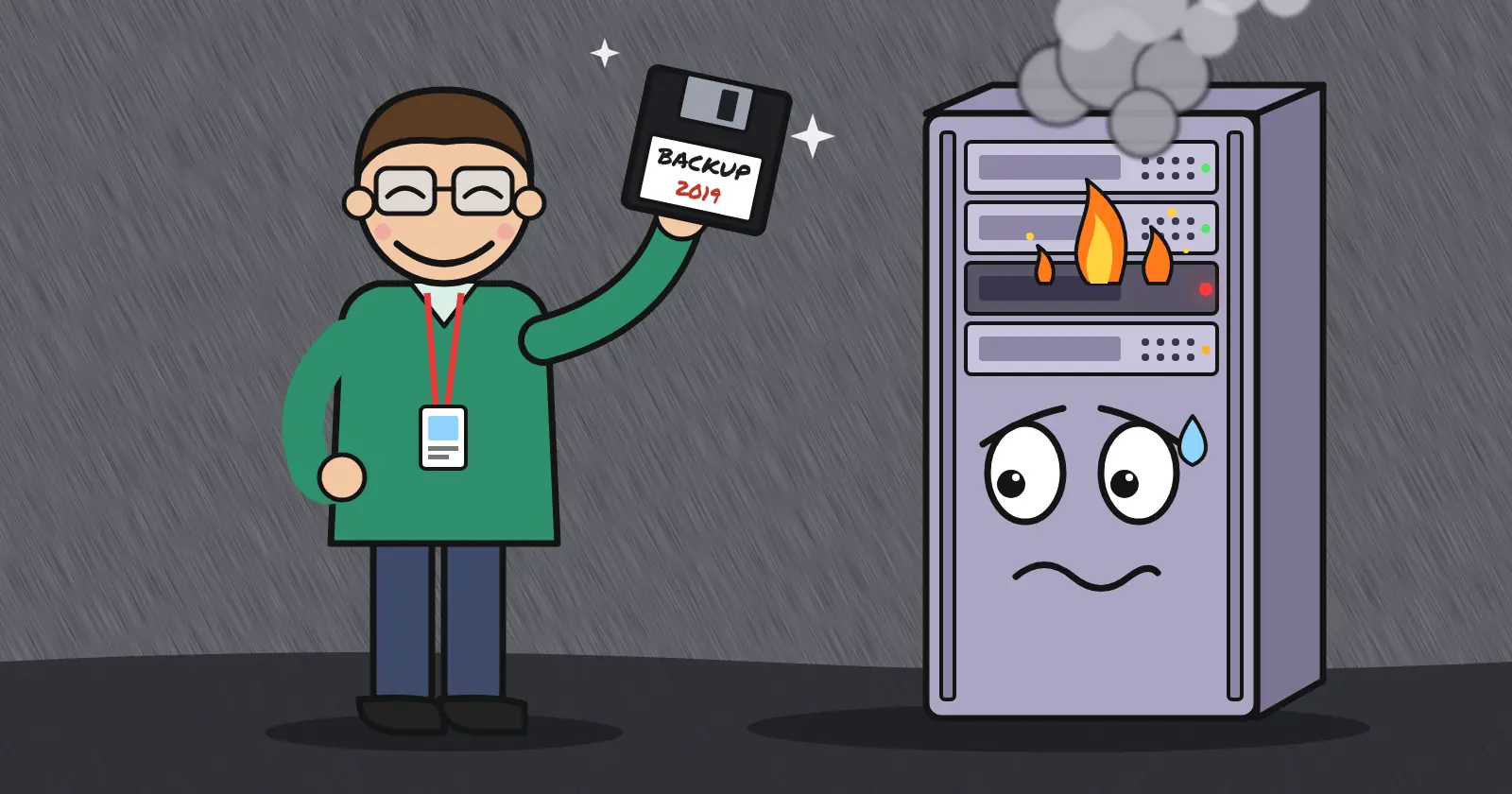
Every shop has one. The server that “has never gone down,” which is sysadmin for “nobody has logged in since 2024.” The NAS that spent two months making a clicking noise and has recently moved on to buzzing. Somebody mentions it in a staff meeting, and somebody else says, “Didn’t Steve set up a backup job before he left in 2021?” Everyone can still reach the shared folders, so it must be fine. And somewhere in a drawer there is a USB stick labeled “backup,” last updated during a different presidential administration.
This post is about how big that problem is, and the one rule that fixes most of it. The rule is called 3-2-1. It is older than most of your servers, and it still works. If you would rather skip the lecture and just get a copy offsite tonight, our backup services are right over there. For everyone else, first, the creative ways data leaves.
Where data actually goes to die
The stories you hear are about fires and floods. The data you lose is about what happens on a random Tuesday.
Start with the hardware. Backblaze runs about 350,000 spinning drives and publishes the body count every year. In 2025 the fleet-wide annualized failure rate was 1.36%. That sounds comforting until you notice one model hit 10.29% in a single quarter. Your drives are not special. They are the same drives, with fewer spares.
Now the humans. In a 2025 Handy Recovery survey, accidental deletion was the top cause of data loss at roughly 34%. Hardware failure came second at 30%. In the enterprise, the Uptime Institute reports nearly 40% of organizations had a major outage caused by human error in three years. Of those, 85% came down to a procedure nobody followed, or a procedure that was wrong. Your infrastructure is safe from stray meteors (well, mostly). It is not safe from you.
Then the professionals. Veeam’s 2025 ransomware survey, which skews toward large enterprises with security teams and budgets, found 69% of them were hit in the past year. Only 10% of victims got more than 90% of their data back. 57% recovered less than half. Sophos puts the average recovery bill for that crowd, ransom not included, at $1.53 million. If that is how it goes for companies with a CISO, picture a shop where the IT department is Dave. The attackers know where your backups live. They go there first.
Same story, different villain
Every one of those numbers is the same event with a different cause. Here is what changes when a tested backup exists. Read the third column twice.
| How you lose it | Who to blame | What a backup turns it into |
|---|---|---|
| Drive dies at 3 a.m. | Physics | A restore, then coffee |
rm -rf on the wrong box | Dave | A restore, then a chat with Dave |
| Ransomware encrypts everything | A guy in a hoodie | A restore, then a security review |
| Bad update eats the database | Software, allegedly | A restore, then a changelog |
| Provider account suspended or closed | A policy you didn’t read | A restore, somewhere else |
| No backup at all | You | A résumé |
With a backup, each row is an inconvenience with a timestamp. Without one, each row is the day the company starts over. The rest of this post is about getting every row into the first category, starting with the excuse we hear most.
1. “It’s in the cloud” is not a backup strategy
Here is the part people find rude. Your hosting provider is responsible for the platform. You are responsible for your data. That is not a Versaweb opinion. It is the written policy of every major provider.
Microsoft’s services agreement says it plainly: “We recommend that you regularly backup Your Content and Data that you store on the Services.” Amazon’s shared responsibility model puts customers in charge of “managing their data.” Translation: delete it, corrupt it, or let your intern near it, and the platform did its job. Your data is still gone.
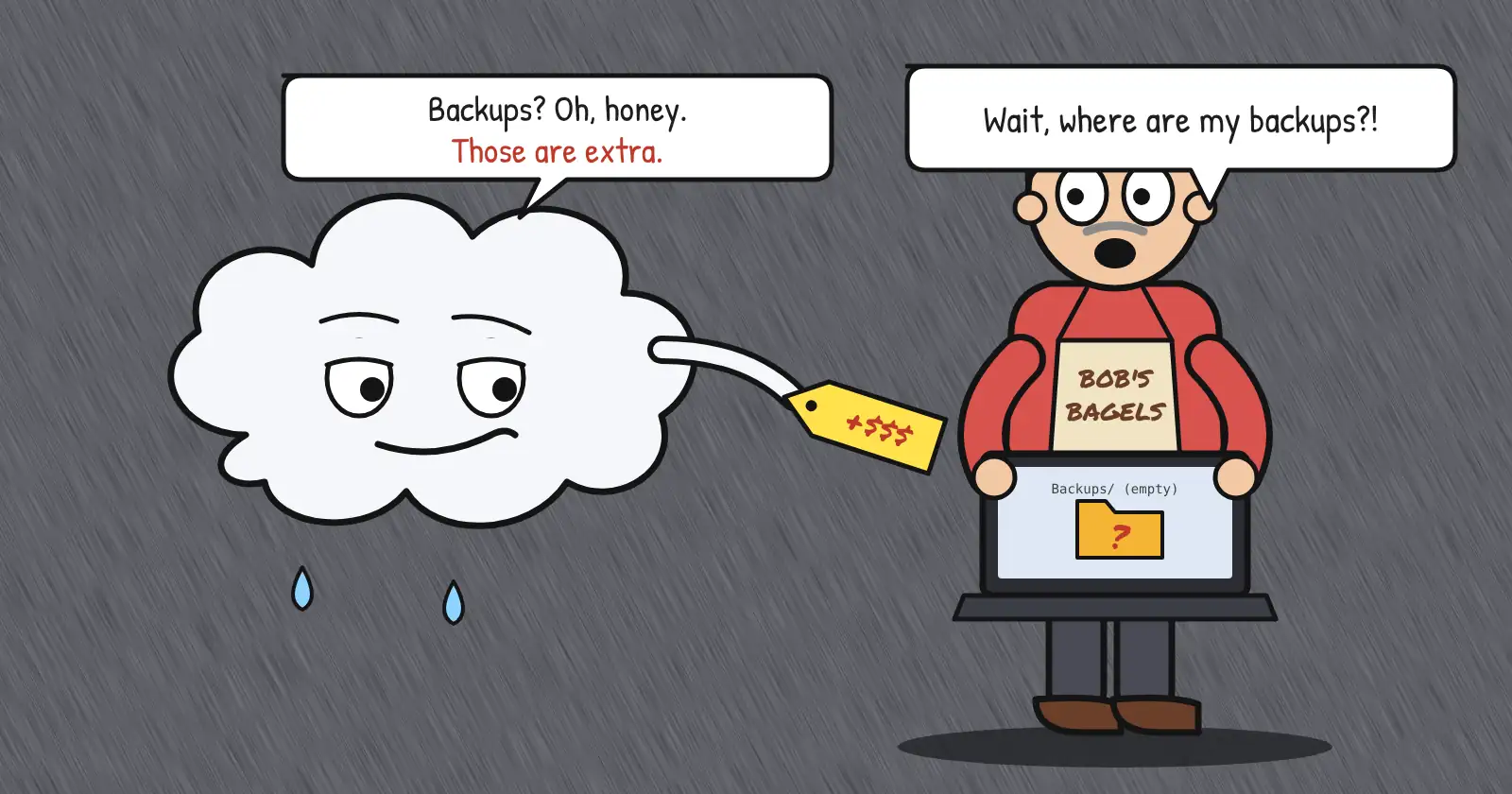
The same logic applies to a VM on our network. A Smart VPS lives in a building designed for servers, with a support desk staffed 24/7. That protects you from our failures. It does nothing for yours. A mistyped DROP TABLE lands on the disk as faithfully as a good one. RAID is not a backup. Snapshots on the same host are not a backup. A second copy next to the first copy is a hostage, not a plan.
2. The server in the closet needs it even more
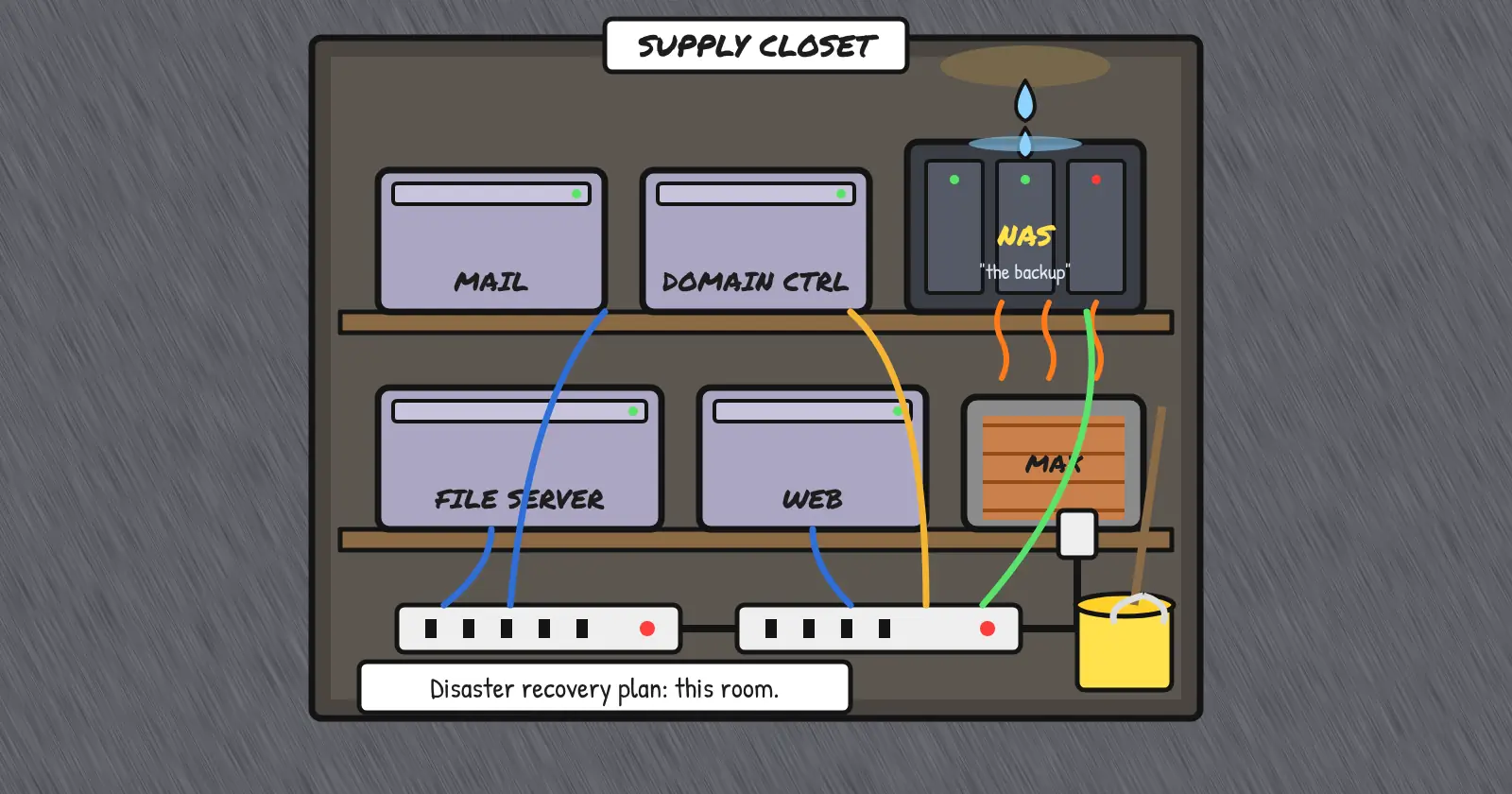
Self-hosted gear has the same problems plus a few of its own. Your mail server, your file server, the domain controller nobody wants to touch, and the NAS under the receptionist’s desk. They share a power strip, a climate, and a single building. One bad air conditioner, one leaky spot in the roof, or one burglar with a van and a big rock takes out every copy at once.
NAS units deserve a special mention. A drive fails, and your IT person says, fingers crossed, “It’s RAID 5, it’ll be fine.” Then the rebuild load hits the remaining aging drives. That is when a second disk hears the call and ascends to storage Valhalla. It died in battle, the way all disks should. Your array did not get the same send-off. It is simply gone.
Mirrored disks are better than a single drive. Your data will usually survive one disk failure. But that redundancy cuts both ways. A mirror will also cheerfully copy your deletions, your corruption, and your ransomware to the other disk in real time.
Domain controllers, mail servers, and databases fail differently. They don’t just lose files. They lose state, and state does not come back from a file copy. Picture a juggler with a ball in each hand and one in the air. Now freeze him. The two balls in his hands are your files. The one in the air is state, and a file copy only catches what is in his hands. Your backup has to catch the ball in the air too, before it hits the floor. That means application-aware backups you have tested, not a nightly rsync of a database that was mid-write when the job ran.
If every copy of your data lives in your server closet, your disaster recovery plan is either “hope nothing happens to the closet” or “where did Steve put that USB key before he quit?”
3. The 3-2-1 rule, for people who hate rules
The 3-2-1 backup rule has survived every technology cycle. That is because it is about geography, not products.
- 3 copies of your data. The live one counts. Two more.
- 2 different media or systems. If one failure mode can kill both, they’re one copy.
- 1 copy offsite. Different building, different power, different blast radius (in case we were wrong about the giant meteor).
The modern amendment adds a 1 on the end: one copy that is offline or immutable. That way a ransomware crew with your admin password can’t delete the backups on the way out. Call it 3-2-1-1 if you like saying numbers.
For a hosted server: the live disk, a backup on different storage, and a copy somewhere else entirely. For the closet: at least one copy that leaves the building on a schedule, to storage you don’t manage from the same keyboard.
Then test the restore. A backup you have never restored is a theory. GitLab learned this in public in 2017. An engineer wiped a production database directory by accident. Then the team found their dumps were empty and their cloud snapshots were off. In their words, “the process of both finding and using backups failed completely.” They lost about six hours of data. They had four backup methods. Four.
4. What good backup software actually does
The rule is easy. The discipline is hard, which is why the right tool matters. Whatever you use, demand the following.
Scheduling you don’t have to remember. Daily at minimum. Hourly for things that change hourly.
Versioning and retention. Last night’s backup of a ransomed server is a backup of the ransom. You need to reach back days or weeks.
Application awareness. Databases, mail stores, and directory services need consistent snapshots, not a copy of files that were changing while you copied them.
Encryption in transit and at rest, with keys you hold.
Offsite by default. The copy should leave the box and the building without a human remembering to carry it.
A restore you can run while panicking. Single-file, whole-system, and bare-metal. If the restore needs the person who set it up, you don’t have a restore. You have a dependency.
This is exactly what our Backup Services are built for. Offsite storage on our own network, for whatever you run, on one of our machines or in your closet. The support desk is staffed around the clock for the 2 a.m. restore.
5. When “we’ll get to it” still makes sense
In fairness, some workloads don’t need all of this.
- Stateless web nodes you rebuild from a repo and a config manager. Back up the repo, not the box.
- Scratch data, caches, and render farms that recreate everything from source.
- Test environments that exist to be destroyed.
If recreating the data is cheaper than storing it, skip the backup and keep the recipe. Everything else, which is everything your customers can see, gets the full treatment.
Self-check: do you have backups, or do you have a story?
Score one point for each honest yes.
- Could you name where every copy of your production data lives, without opening a browser tab?
- Has anyone restored from the backup in the last 90 days, on purpose?
- Is at least one copy in a different building?
- Is at least one copy immutable or offline, so a compromised admin login can’t delete it?
- Would you still be employed if the primary disk died right now?
Five out of five: congratulations, you may stop reading. Three or four: you have homework. Two or fewer: that clicking noise is a countdown, and you don’t know the number.
About that clicking noise
The server that has “never gone down” will go down. The drive will die, the human will err, or the guy in the hoodie will find your password. What happens next was decided months earlier, when you either put a second copy of your data somewhere else or you didn’t.
Put a real schedule on it. Send a copy offsite. Test the restore while nobody is yelling. Our backup services will take the offsite copy, and a Smart VPS or dedicated server gives it a dependable home to come back to. Then you can throw the USB stick in the drawer next to the floppy, where historical artifacts belong.
Sources:
- Backblaze Drive Stats for 2025 — fleet size, 1.36% annualized failure rate, 10.29% worst-model quarterly AFR (published 2026-02-12)
- Handy Recovery Advisor, Data Loss Survey (June 2025) — consumer survey of 1,000 U.S. adults; accidental deletion ~34%, hardware failure ~30%
- Uptime Institute Annual Outage Analysis 2025 (press release) — nearly 40% of organizations had a major outage caused by human error in the past three years; 85% of those from failures to follow procedure or flawed procedures
- Veeam 2025 Ransomware Trends report (press release) — survey of 1,300 organizations, enterprise-weighted; 69% hit in the past year; 10% recovered more than 90% of data; 57% recovered less than half
- Sophos, The State of Ransomware 2025 — average recovery cost $1.53 million excluding ransom
- Microsoft Services Agreement — section 6.b, “We recommend that you regularly backup Your Content and Data”
- AWS Shared Responsibility Model — customers are responsible for managing their data
- GitLab postmortem of database outage of January 31, 2017